Sprunki Template - The Ultimate Creator’s Starting Point
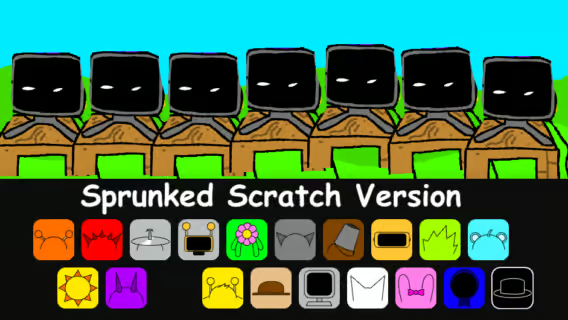
Sprunki Template is where creativity takes center stage, offering aspiring modders a flexible foundation to build their own Sprunki experience from the ground up instead of simply playing a finished one. Designed as a creator-first framework, it gives you the essential structure—character slots, audio layering, visual elements, and phase organization—needed to experiment, customize, and shape a mod in any direction you imagine. Whether you are testing a new OC, planning a custom phase, or organizing a full fan project, Sprunki Template stands out as a practical sandbox that transforms raw ideas into the early stages of something uniquely yours.
New Games
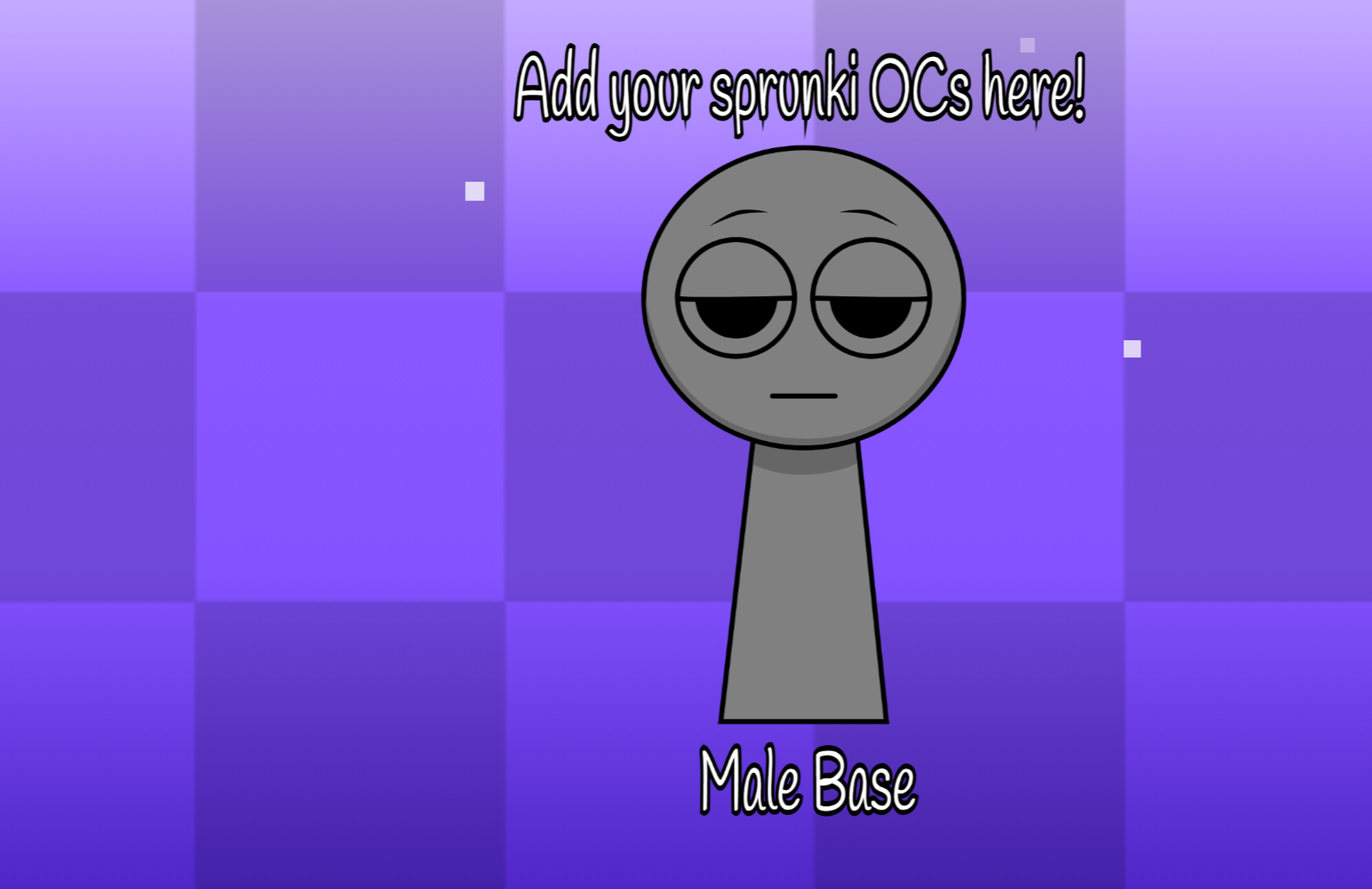
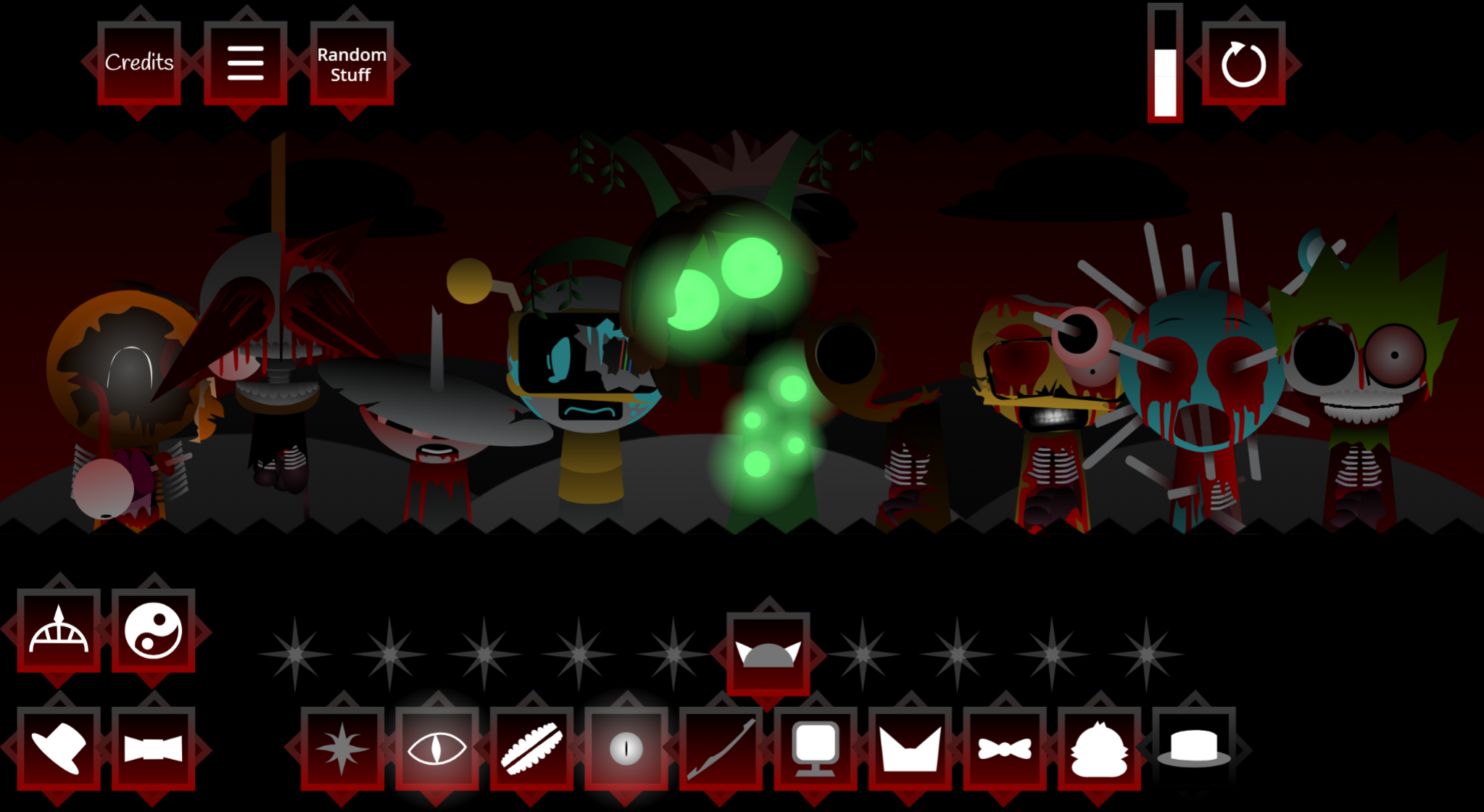
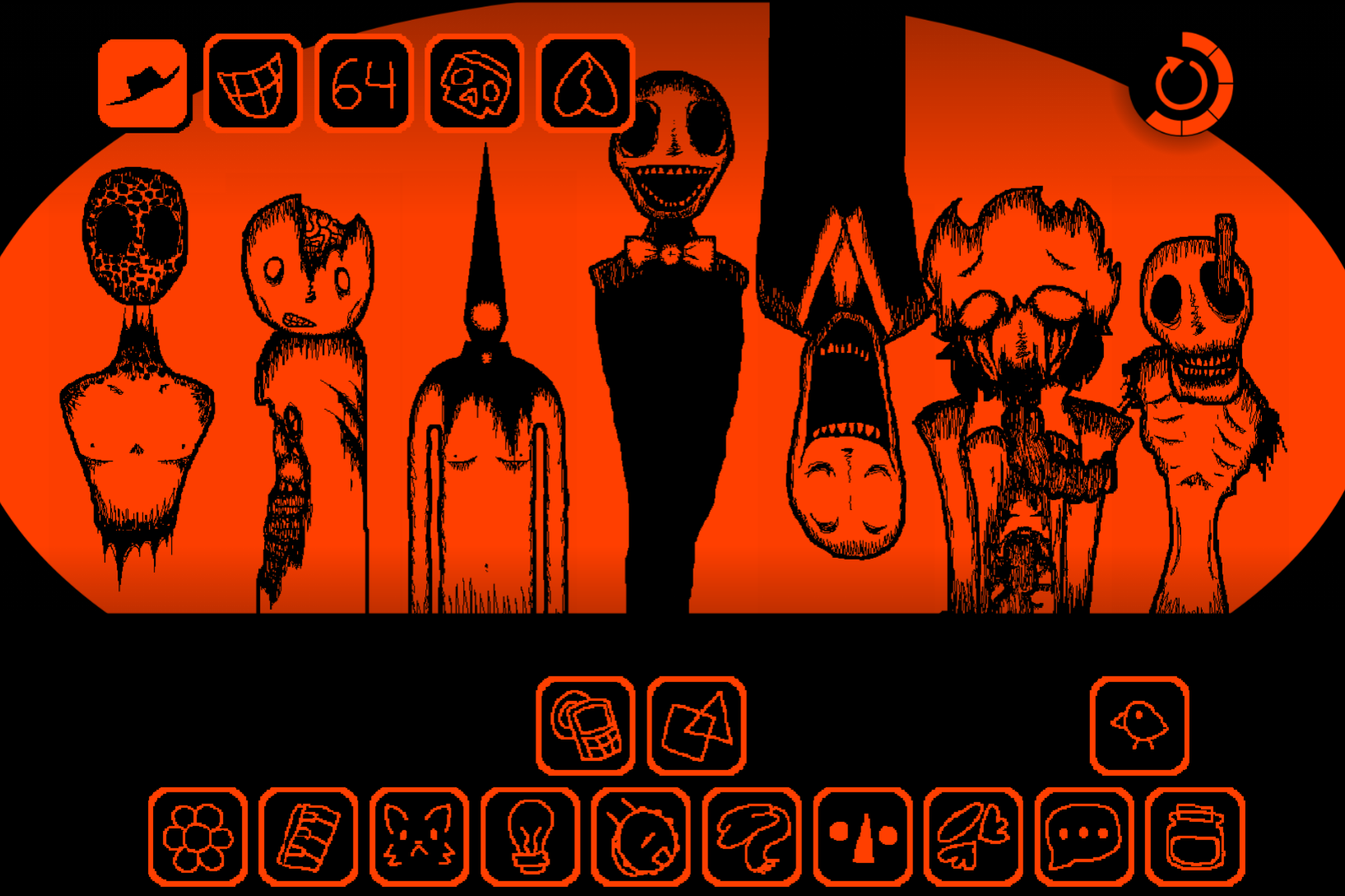
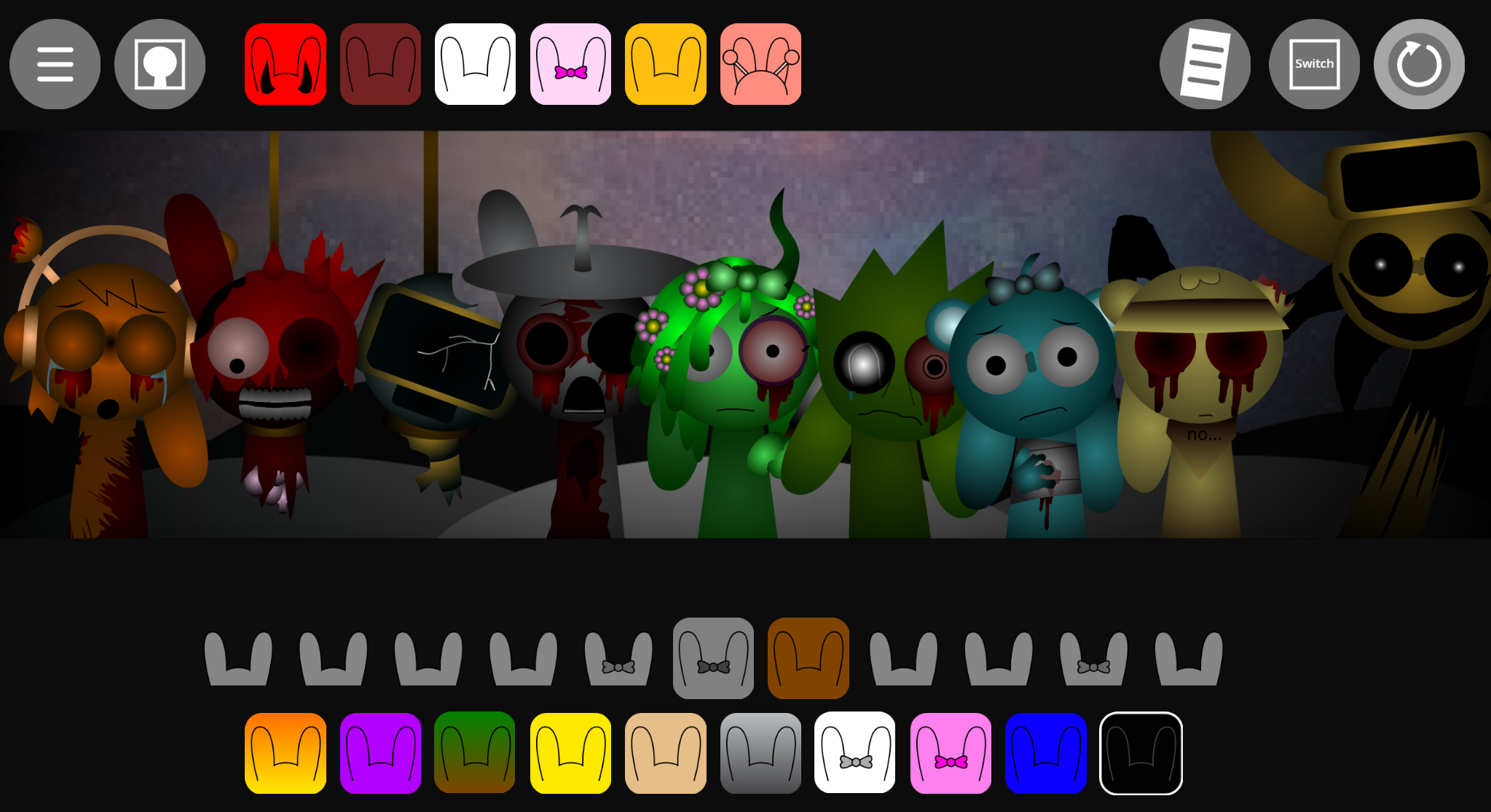
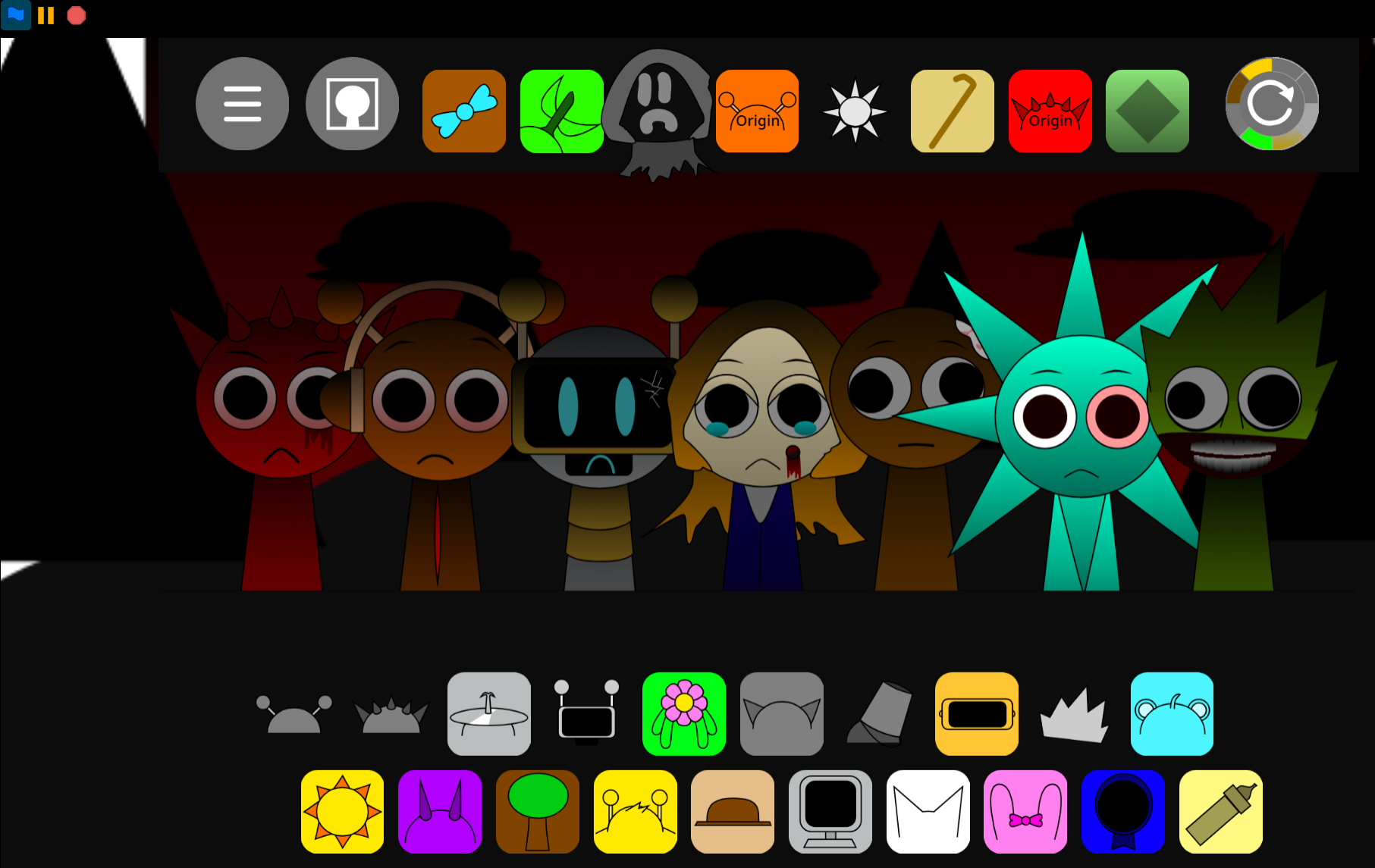
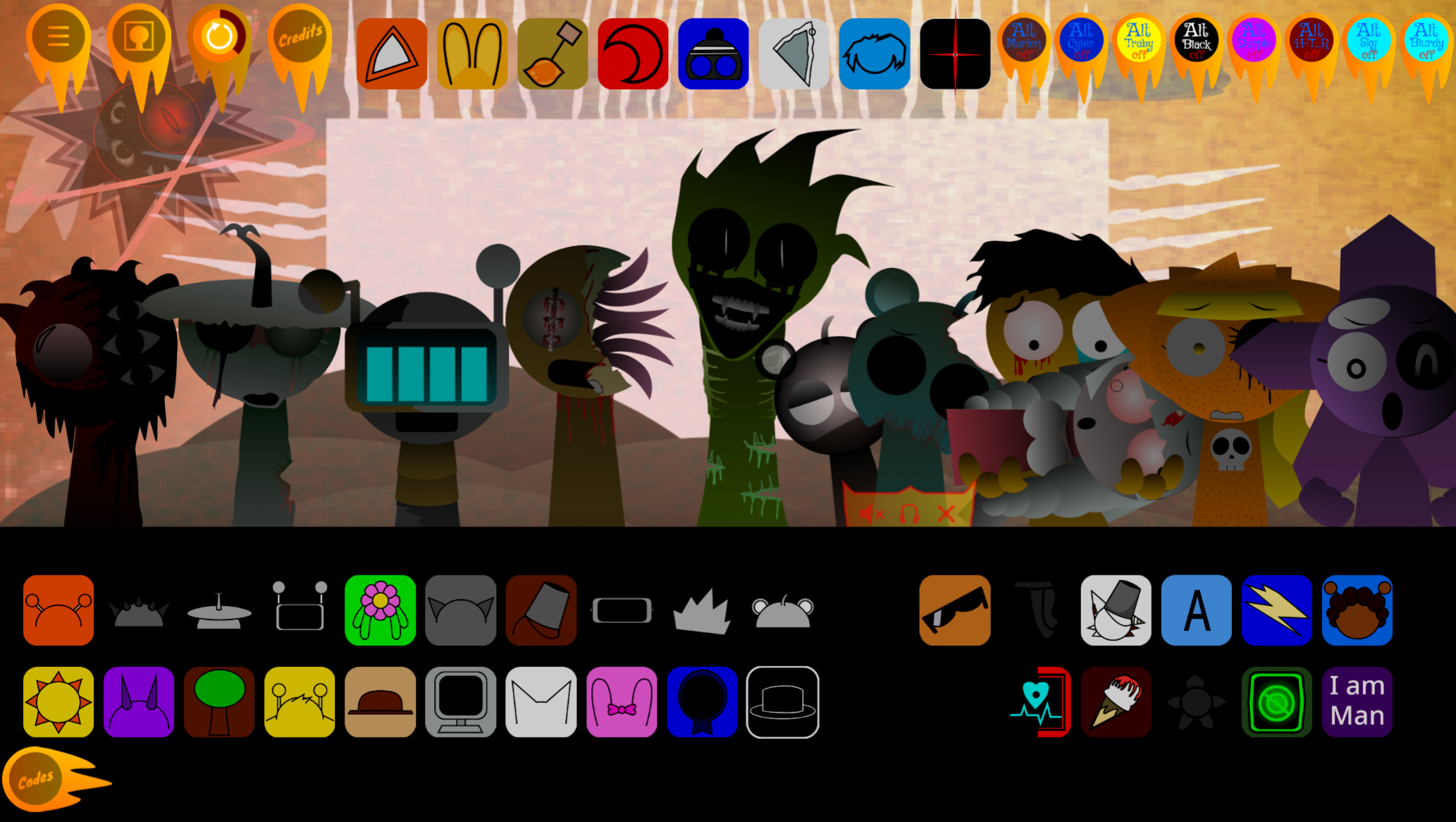
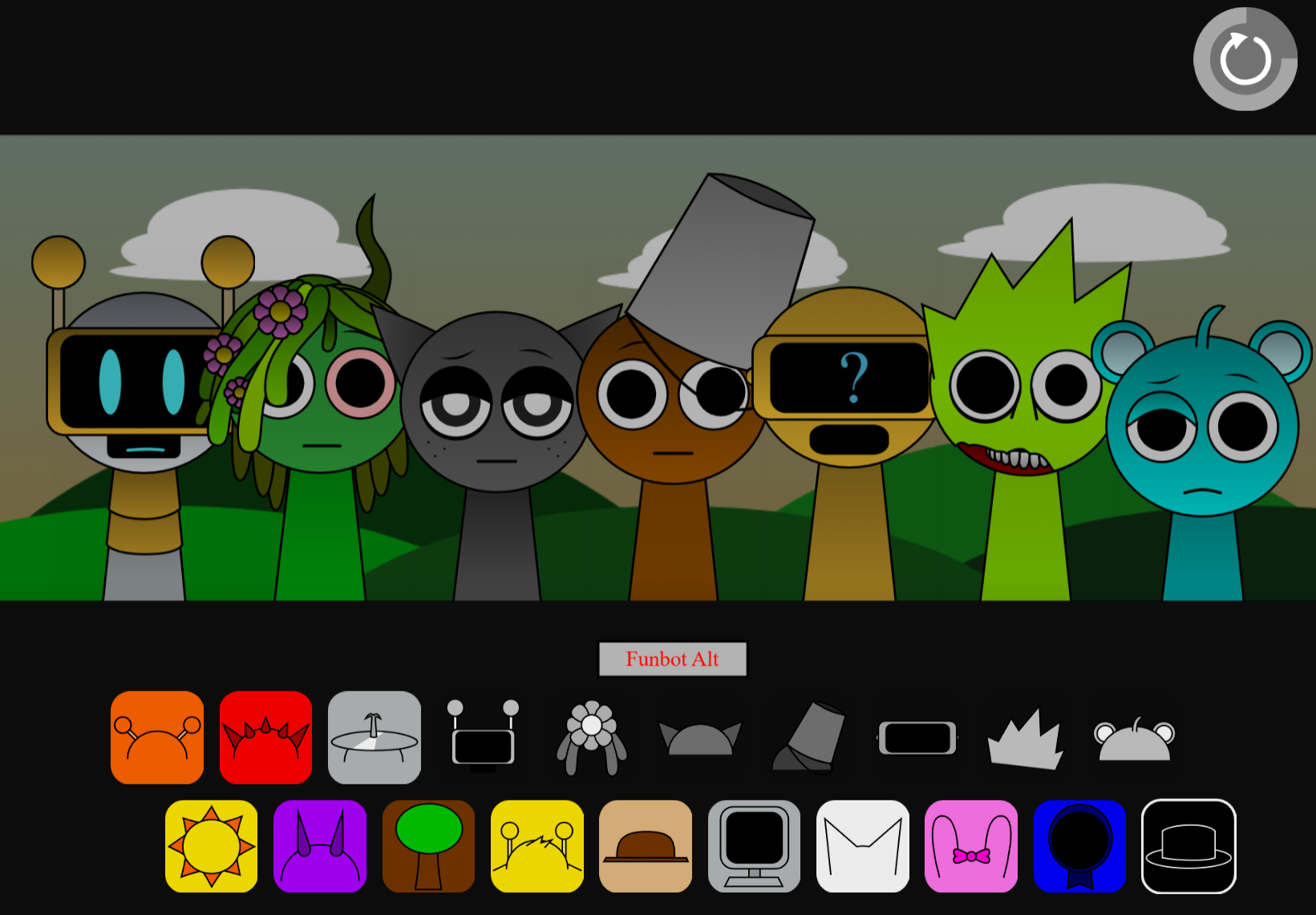
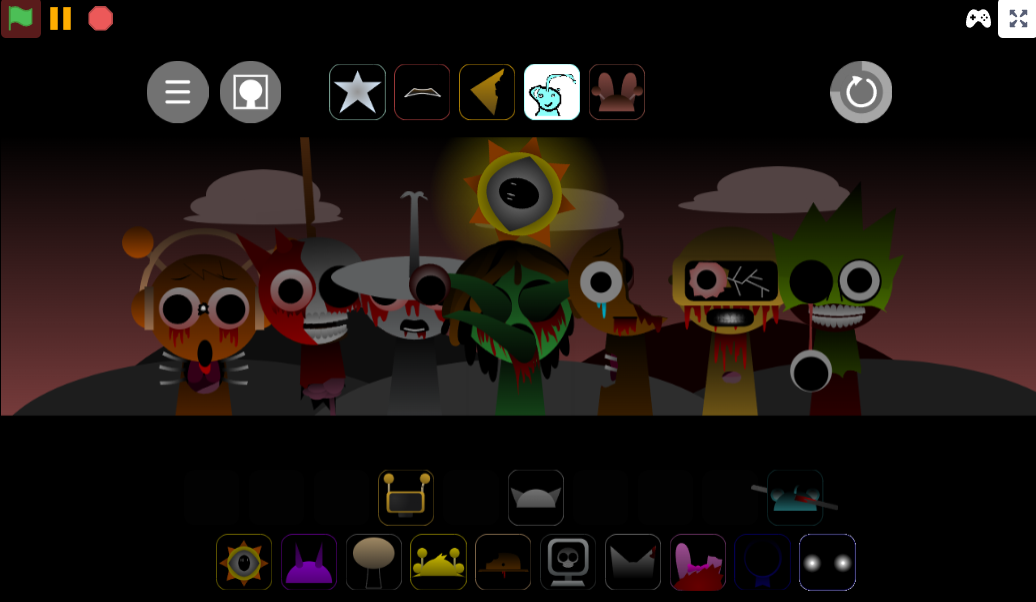
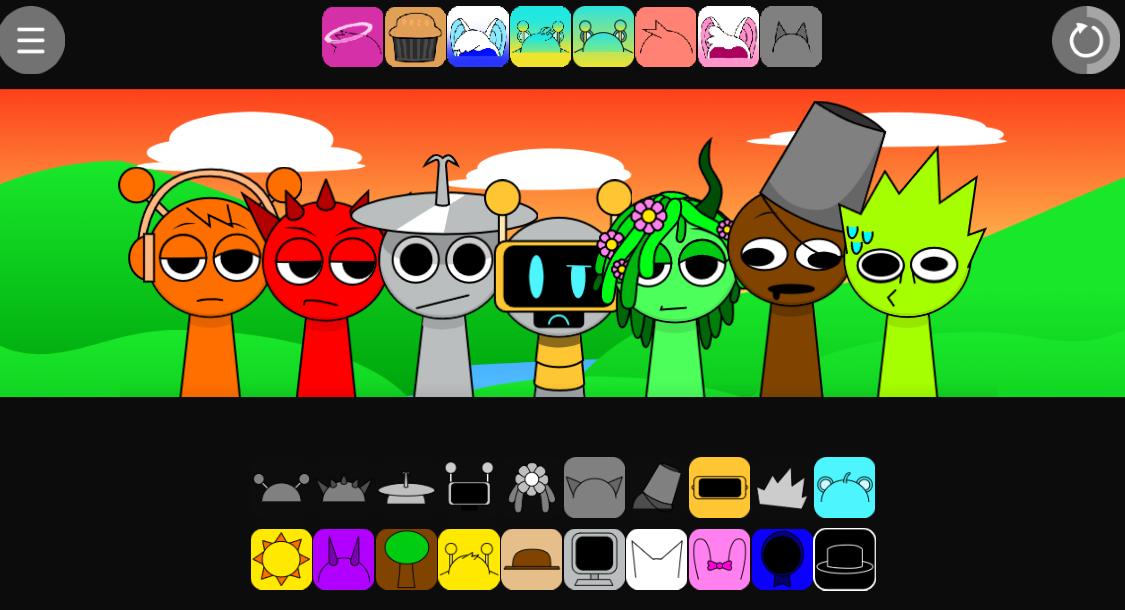
Sprunki Template is a creator-first framework designed for building a Sprunki mod from the ground up, not a finished game meant to be loaded and played as-is.
It provides the structural scaffolding — character slots, audio hooks, visual layers — that developers need to assemble a custom Sprunki experience without rebuilding every foundational element by hand.
Unlike a polished, story-driven mod with cinematic presentation already in place, Sprunki Template deliberately stays minimal so creators can shape it in any direction they choose.
This article focuses on the clearest overview points first: what the template actually contains, how its character framework is organized, and where it fits within the broader Sprunki modding ecosystem.
What Is Sprunki Template?
Sprunki Template is a creator-first framework for building a Sprunki mod, not a finished experience meant only to be loaded up and played. Unlike a standard Sprunki release, which usually arrives with a fixed theme, story, horror angle, or polished mix, this Template focuses on the structure behind the mod itself.
In practical terms, it provides the base setup for organizing Character Templates, phase presets, and other reusable pieces that help a project come together. That makes it valuable for anyone who wants to move beyond simple sound mixing and into actual mod design. Instead of starting from nothing, creators get the structural bones for testing how a roster works, how phases are arranged, and how a custom idea fits the overall flow.
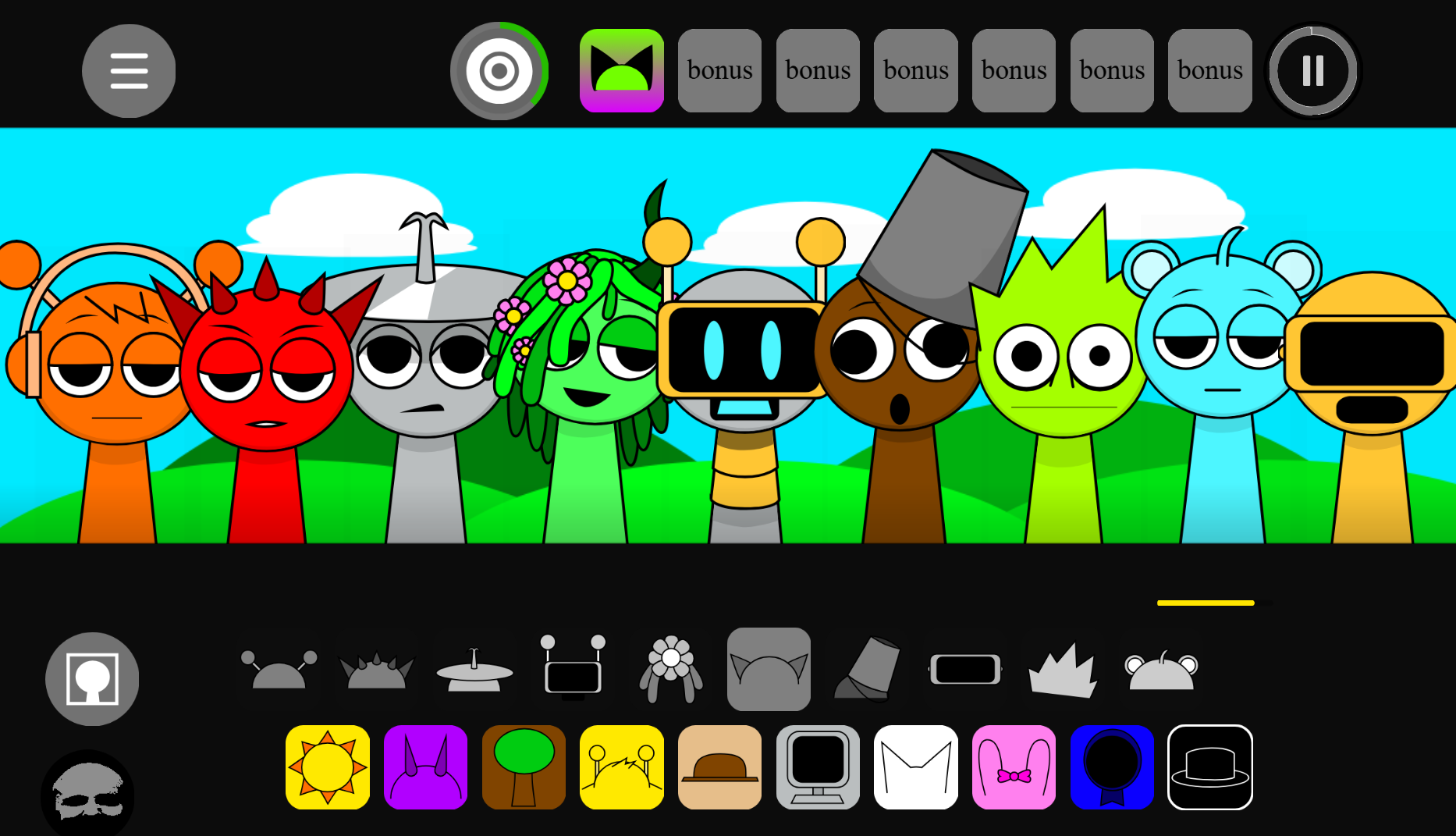
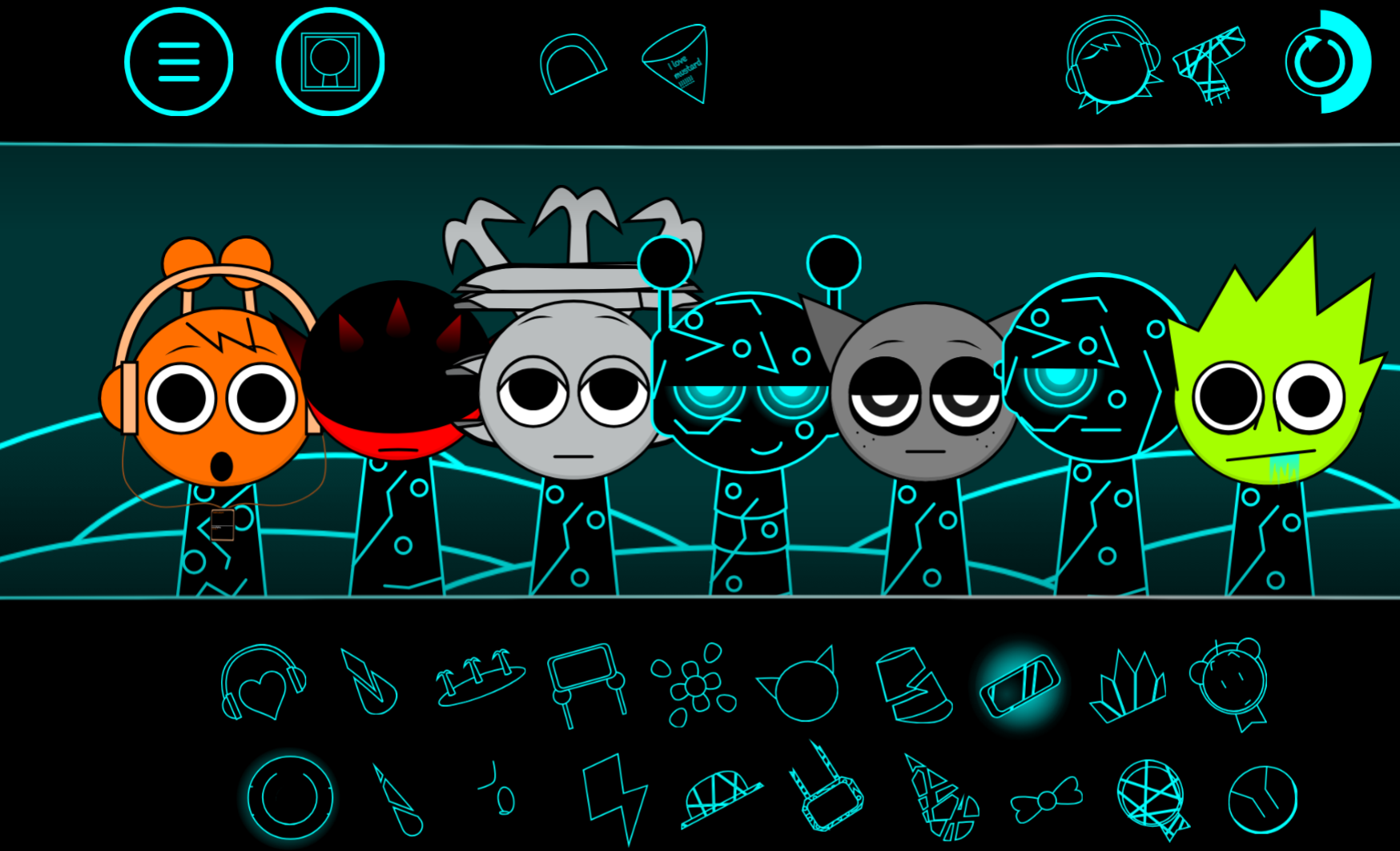
The experience still resembles normal Sprunki in one important way: you can drag icons onto polos, hear loops stack together, and watch visual changes as you swap parts. The difference is the goal. Here, you are not just trying to finish a polished song; you are checking whether rhythms layer cleanly, whether a Custom OC feels natural in the lineup, and whether the framework supports the kind of mod you want to build.
That also explains who this is really for. If you want a story-led campaign or a cinematic mod with all the presentation already done, Sprunki Template can feel plain. If you want a sandbox for planning, testing, editing, and documenting a Sprunki project, it is much more useful.
Key Template Features
The Key appeal of Sprunki Template is that it works as a reusable setup rather than a one-off mod. It gives creators a stable frame they can copy, edit, and adapt for different community needs.
- Reusable core layout: The base structure can be rebuilt as needed, which is useful when testing a new page format, phase idea, or OC setup. You are not forced to start from scratch every time.
- Character Templates and phase presets: These are some of the most important building blocks in the system. They help organize how characters fit into a mod and how different stages or moods are structured before deeper customization begins.
- Main templates and page templates: Sprunki Template can also refer to broader formatting systems used in community documentation. Some Templates function as general notices, while others are tied to specific page types.
- Status-based notices: These can mark protected pages, semi-protected pages, stubs, pages under construction, or pages nominated for deletion. That helps readers and editors understand what can be changed and what still needs work.
- Editing guidance built in: Some Templates exist to manage workflow, not appearance. For example, they can signal that a page should not be edited while someone else is actively working on it.
- Media and content flags: The system may also cover practical issues such as sensitive material, missing SVG files, PNG-only assets, or lost media. That makes it useful for organizing a Wiki, not just for decorating one.
- Expandable design: Users can add more Templates or adjust existing ones as long as the information remains accurate. That flexibility is a major reason the format works well for fan projects and community-maintained pages.
Why Use and Play Sprunki Template?
You Play Sprunki Template less for a finished adventure and more for what it lets you build. The value is in turning creation into something hands-on.
A normal Sprunki mod gives you a defined mood to follow. This one lets you test the framework behind that mood. You can experiment with icon placement, hear how base loops interact, and see how visual swaps affect the feel of the setup. That makes it easier to judge whether an idea works in motion instead of only on paper.
This is especially useful for creators working on:
- a custom mod concept
- a new Character or OC
- phase planning
- roster balance and visual consistency
- page organization for a fan Wiki
It also works as a bridge between casual interaction and real design work. Someone familiar with standard Sprunki mechanics can step into the Template and quickly understand how the backend logic of a mod is organized. In that sense, The tool is both a sandbox and a draft board.
Sprunki Template for Custom OCs and Wiki Layouts
One of the most practical Use cases for Sprunki Template is building Custom OCs and structuring community documentation.
For OC creation, the Template helps you test more than appearance. You can place the character into the existing framework, compare how it behaves beside other units, and see whether its sound and visual role actually fits the mix. That is much more useful than designing a character sheet in isolation and hoping it works later.
For documentation, the same template logic helps keep a Wiki readable and consistent. Shared layouts can be used for:
- character pages
- role or mood groupings
- phase breakdowns
- profile-style sections
- user rank or staff templates
- maintenance notices and status labels
Without shared Templates, fan pages often become inconsistent and difficult to update. With them, information stays easier to scan, edit, and preserve across the community.
How to Use Sprunki Template
You do not approach Sprunki Template the same way you approach a completed Sprunki mod. The best results come from treating it as a creator tool first.
Start with the base mix.
Drag icons onto the polos and listen to how the core loops stack together. The goal is not only to make something catchy, but to test whether the rhythm layers are stable enough to support new additions.
Watch sound and visuals together.
As you swap parts, pay attention to both the audio result and the visual response. This helps you understand how the Template connects a Character concept to the overall presentation.
Test phase presets.
Phase structure is one of the most useful parts of the Template. It shows how different sections, tones, or progression states can be arranged before you commit to a final design.
Fit in your custom ideas.
If you are working on an OC or alternate theme, try placing it into the framework early. It is easier to spot problems with pacing, style, or layering here than after building a full mod around it.
Use it for documentation too.
If your project has a Wiki or shared community page, apply the same logic to layout and labeling. Templates for page condition, media issues, and profile structure can save a lot of cleanup later.
Related Games
- Sprunki Phase 6 Remastered But 10 Polos — Its expanded 10-polo setup makes it a practical next step after Sprunki Template because you can test how a larger character roster affects layering, spacing, and custom mod balance.
- Sprunki Reversed Phase 2.5 More Graphics — This version connects well to a template-focused sandbox by showing how altered audiovisual presentation can reshape a familiar phase structure without abandoning the core mix-building framework.
- Sprunki Phase 3 Reretake Version IDK — A reretake is especially relevant for creators using Sprunki Template because it demonstrates how an existing phase can be reworked through revised presets, character choices, and arrangement decisions.
Template FAQ
What is a Sprunki Template actually for?
It is a build foundation for creating a Sprunki version. Rather than delivering a finished mix, it gives you the underlying structure for mod creation, especially through Character Templates and phase presets.
Does it still play like standard Sprunki?
In a limited sense, yes. You still drag icons onto polos, combine loops, and watch changes happen as you switch parts. Unlike a normal mod, though, the focus is on testing and shaping ideas instead of completing a polished song or story.
Who should use it?
It fits best for players and creators who want to move from simple mixing into mod design, OC planning, or Wiki organization. If you mainly want a dramatic, prebuilt Sprunki experience, it may feel sparse. If you want a practical sandbox for building and editing, it is a strong starting point.
Is it only for mod creation?
No. While mod building is the main purpose, the same Template logic is also useful for documentation, page notices, media flags, and other community-facing layouts that keep Sprunki projects organized.